 Video, 3:03
Sales and CRM

Send an order form and mark the deal won
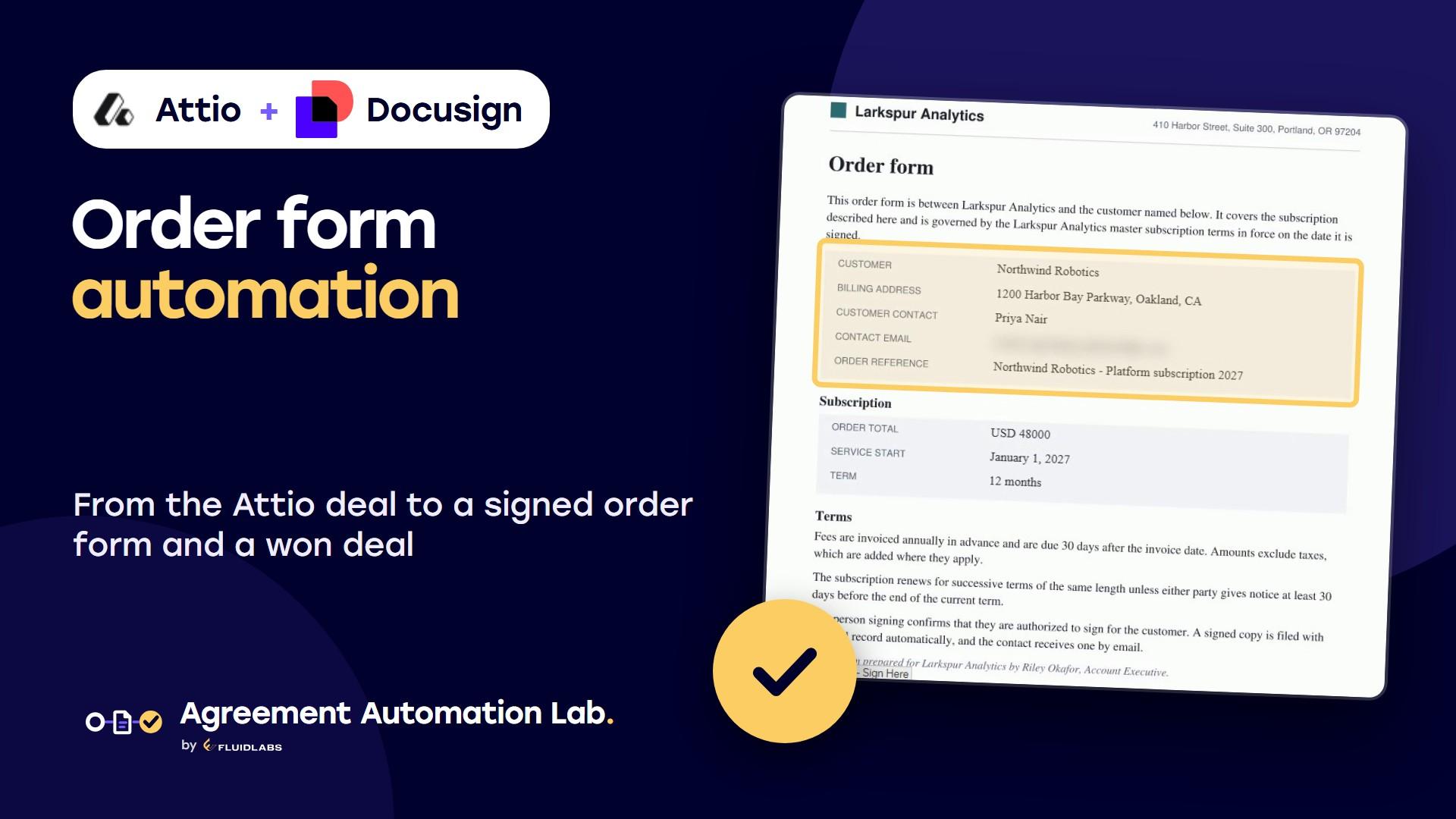
Fills the order form from the deal, its company and its contact, and marks the deal won once the customer signs.
Starts: API or by handTested 16 Oct 2026
The workflow reads the deal, its company and its contact from Attio and fills the renewal agreement with the fee and term given at the start. Once the customer contact and your account manager have signed, it moves the deal to Renewed with the new fee and files the signed agreement on the deal; if the envelope is declined, the account manager gets an email instead.
Northwind Robotics' annual service plan ends in January. In Attio the deal is due for renewal: forty-eight thousand dollars a year, with Priya Nair as their contact.
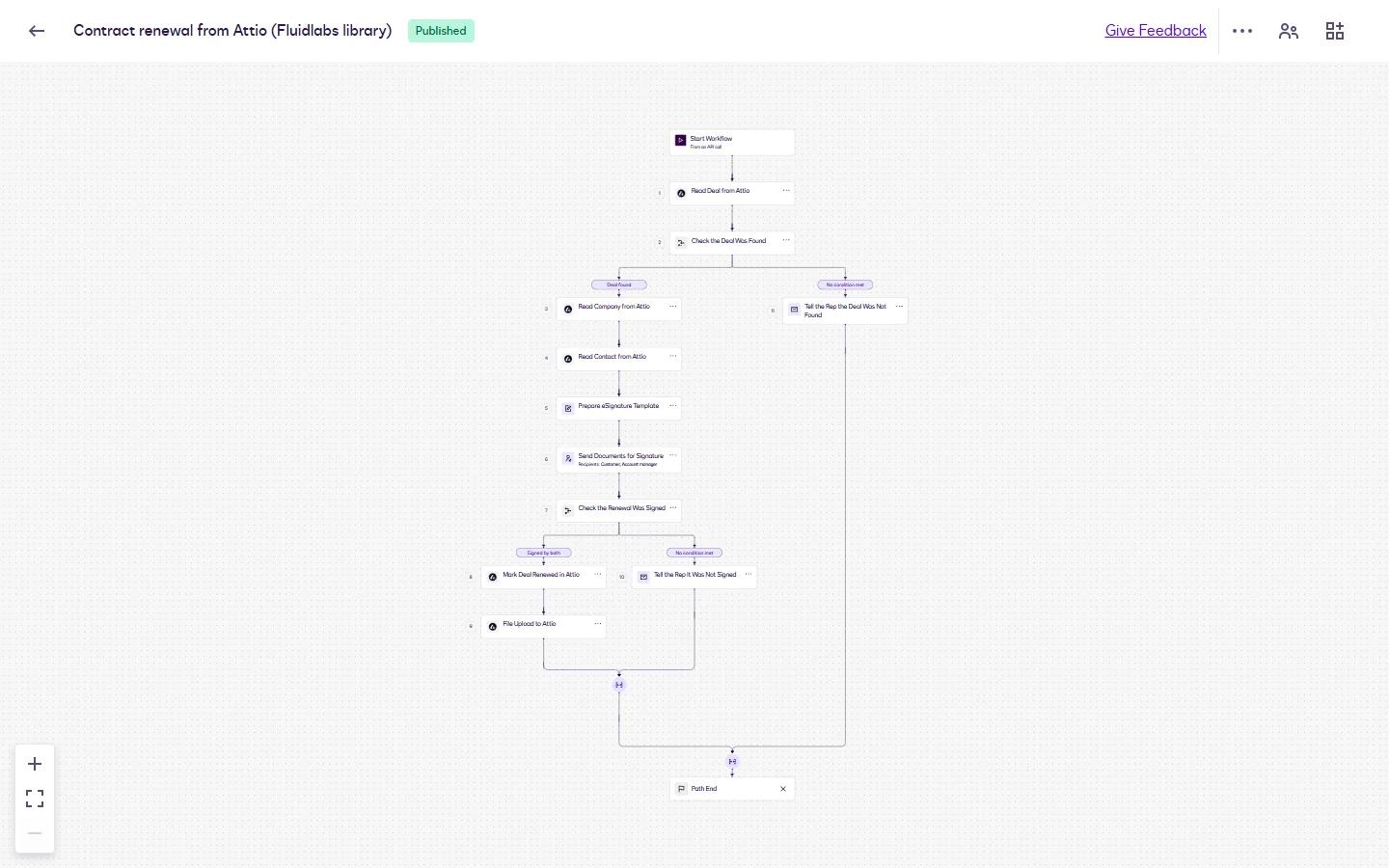
This Docusign workflow renews it. It reads the deal from Attio, checks that the deal exists, reads the company and the contact, and fills the renewal agreement.
Priya signs first, then Daniel, the account manager. Once both have signed, it moves the deal to Renewed with the new fee and files the signed agreement on the deal. If the envelope is declined, Daniel gets an email instead.
Daniel has agreed the new fee with Priya: fifty-one thousand six hundred dollars a year, from the first of February. He starts the renewal with the deal's record id, the fee and the new term. Everything else comes from Attio.
Priya gets the renewal agreement by email.
Northwind's name and address, Priya as the contact and the current plan come from Attio. The new term and the fee come from the start. Priya signs, and finishes.
Then Daniel, the account manager, gets his copy.
He countersigns for Halyard Field Services, and finishes.
Back in Attio, the deal has moved to Renewed, its value is now fifty-one thousand six hundred dollars, and the signed agreement is filed on it. Nobody updated the CRM by hand.
You don't have to start it from Docusign. The first alternative is the Baton Launcher, our browser extension. Open it next to a deal in Attio, and it recognises the record on the page.
Search for the renewal workflow, pick it, and take the deal's id from the page.
Type the agreed fee and the new term, and launch.
The renewal is on its way to Priya, without leaving Attio.
The second alternative runs on its own. In Attio, a workflow watches the deal stage. When a deal moves to Renewal agreed, it sends the deal and its value to Baton.
Baton matches it to an automation, and starts the same Docusign workflow with the deal's id and fee, and the term set in the automation.
So when Daniel moves the spare parts deal to Renewal agreed,
the renewal goes out to Priya, and once both have signed, the deal is marked renewed.
| Data label on the service renewal agreement | Attio field | Step |
|---|---|---|
Customer_Name | Company / Name | 3 |
Customer_Address | Company / Primary location: Line 1, Locality, Region | 3 |
Contact_Name | Person / Name: Full name | 4 |
Current_Plan | Deal / Deal name | 1 |
Renewal_Term | Start inputs renewalStart and renewalEnd: {renewalStart} to {renewalEnd} | Start |
Annual_Fee | Start input annualFee (Currency), printed as $51,600.00 | Start |
Written back: Deal stage = Renewed; Deal value = annualFee
Filed to: Deals / {Deal Record ID} / Signed Service Renewal from {renewalStart}
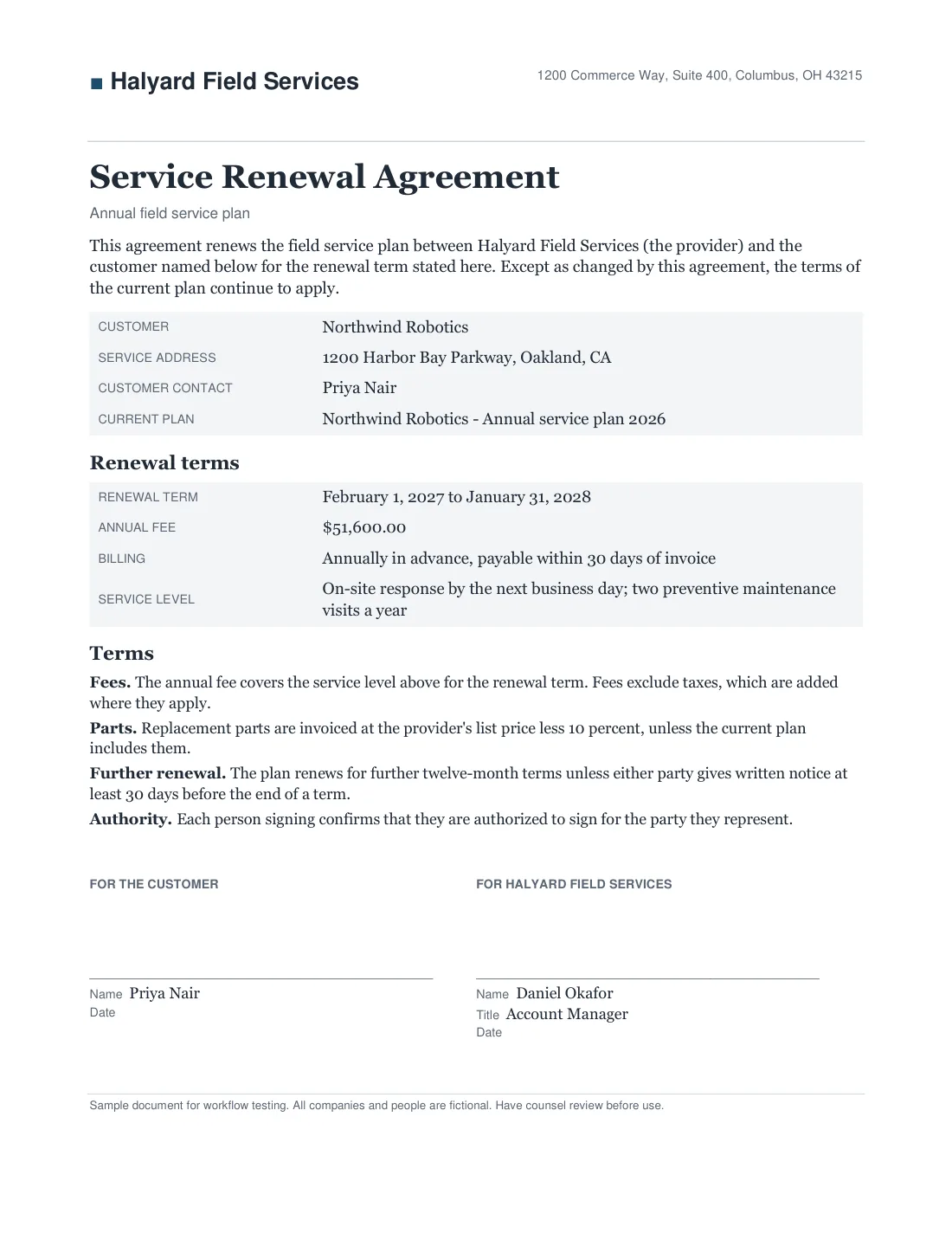
The highlighted fields are the service renewal agreement's data labels, shown here with sample values. The field map lists where each one comes from in Attio or the start inputs. Each field sits on a hidden anchor tag, so you can use your own service renewal agreement: keep the six data labels and the workflow keeps working.
Install Attio for Docusign IAM from the Docusign App Center and connect it to your Attio account. An account admin does this once.
In Docusign, go to Agreements, Workflows, Create Workflow, then Import Workflow, and pick the .zip. When it asks, pick your Attio connection.
The import creates the service renewal agreement template in your account and fills the steps. Check the template mapping on Prepare eSignature Template, then publish.
Run it once on a test record addressed to your own inbox, and check the write-back and the file.
An account manager can run it by hand with the deal's record ID, the agreed fee and the new term. Another system can start it through the API with the same four inputs, for example Baton when a deal moves to a stage in Attio.
Send annualFee as an object, for example {"currencyCode": "USD", "doubleValue": 51600}. In our tests a bare number was accepted but the run never started, and a text value such as "51600" printed on the agreement but wrote 0 to the deal value in Attio.
Check the Renewal Was Signed sends the account manager an email instead of updating the deal. The deal keeps its stage and value, and no file is added.
Yes. Upload it as an eSignature template with a Customer and a Provider role, place the six data labels and the signature fields, choose it in Prepare eSignature Template and map the fields again.
Install and connect Attio for Docusign IAM first, then import the .zip again. Docusign does not name the missing app in that message.
We adapt library workflows to your stages, approvals and documents, and build private apps when a system has no app yet.
Video, 3:03Fills the order form from the deal, its company and its contact, and marks the deal won once the customer signs.
 Video, 1:55
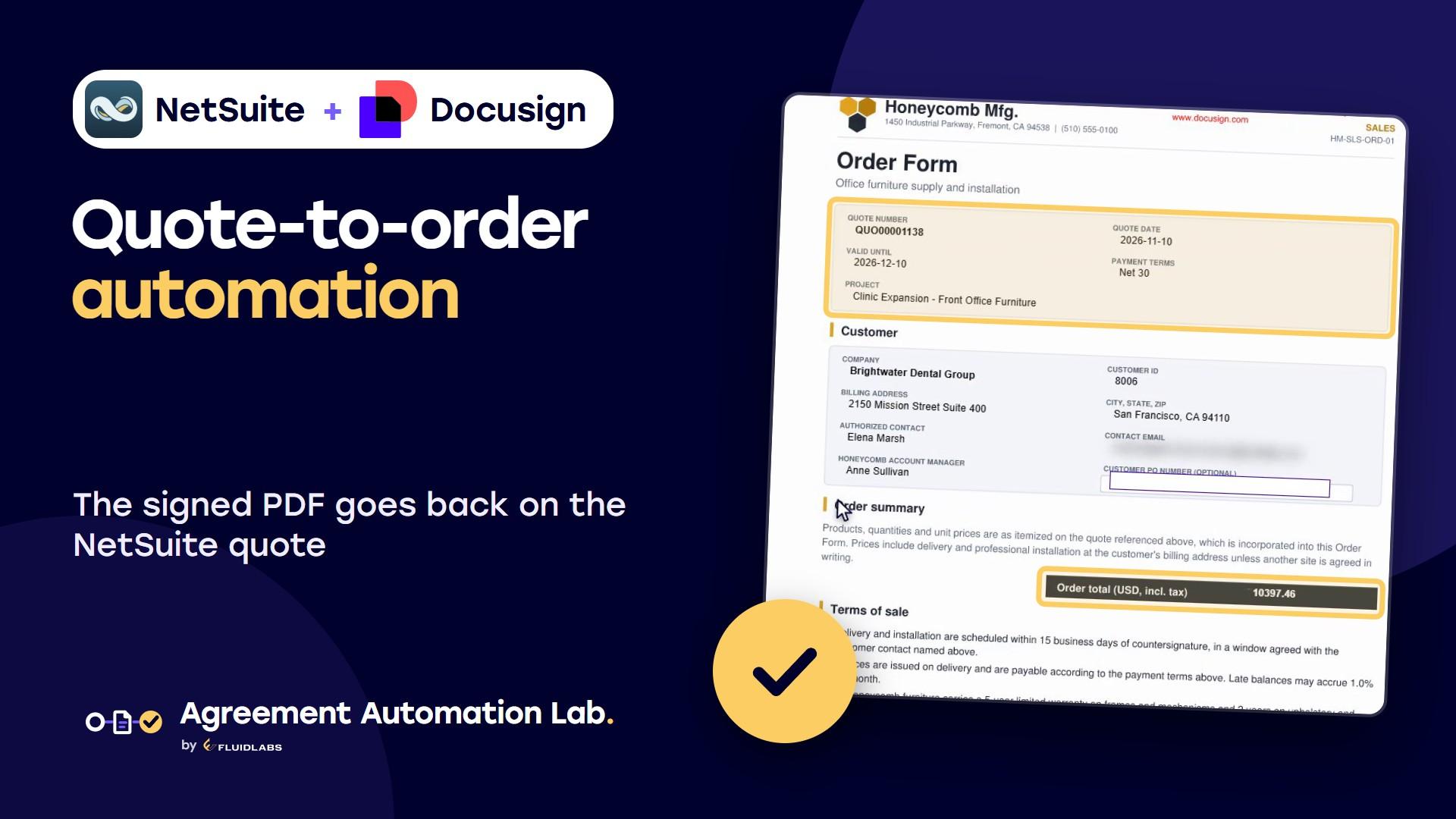
Fills an order form from the quote, its customer and contact, collects both signatures and files the signed copy on the quote.
Docusign is a trademark of Docusign, Inc. Attio for Docusign IAM is published by Fluidlabs. To ask us to remove a mark, email hello@fluidlabs.com.