Video, 2:06Send a credit application from a NetSuite customer
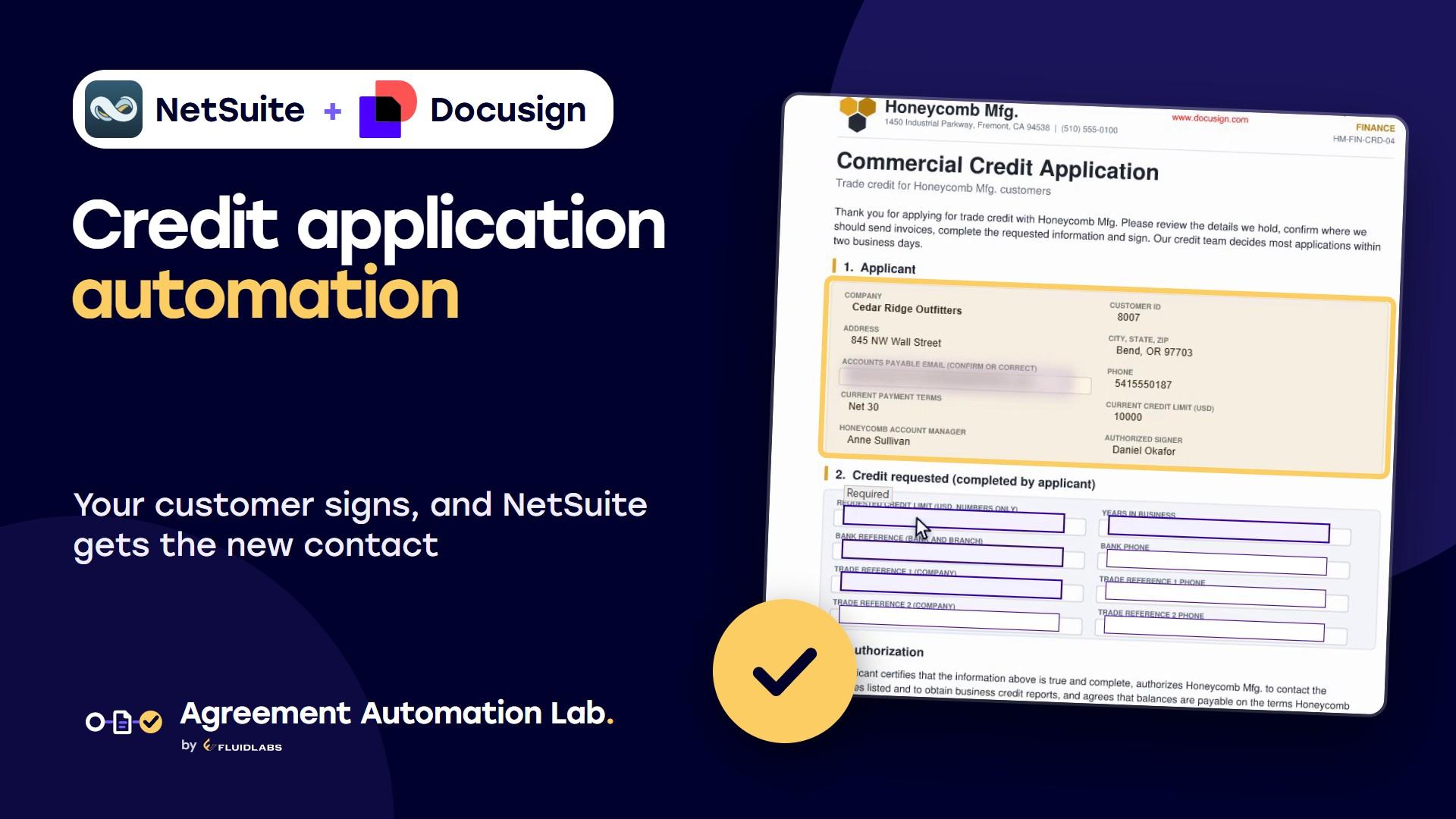
Fills a credit application from the customer record, collects the customer and credit manager signatures and updates the customer.
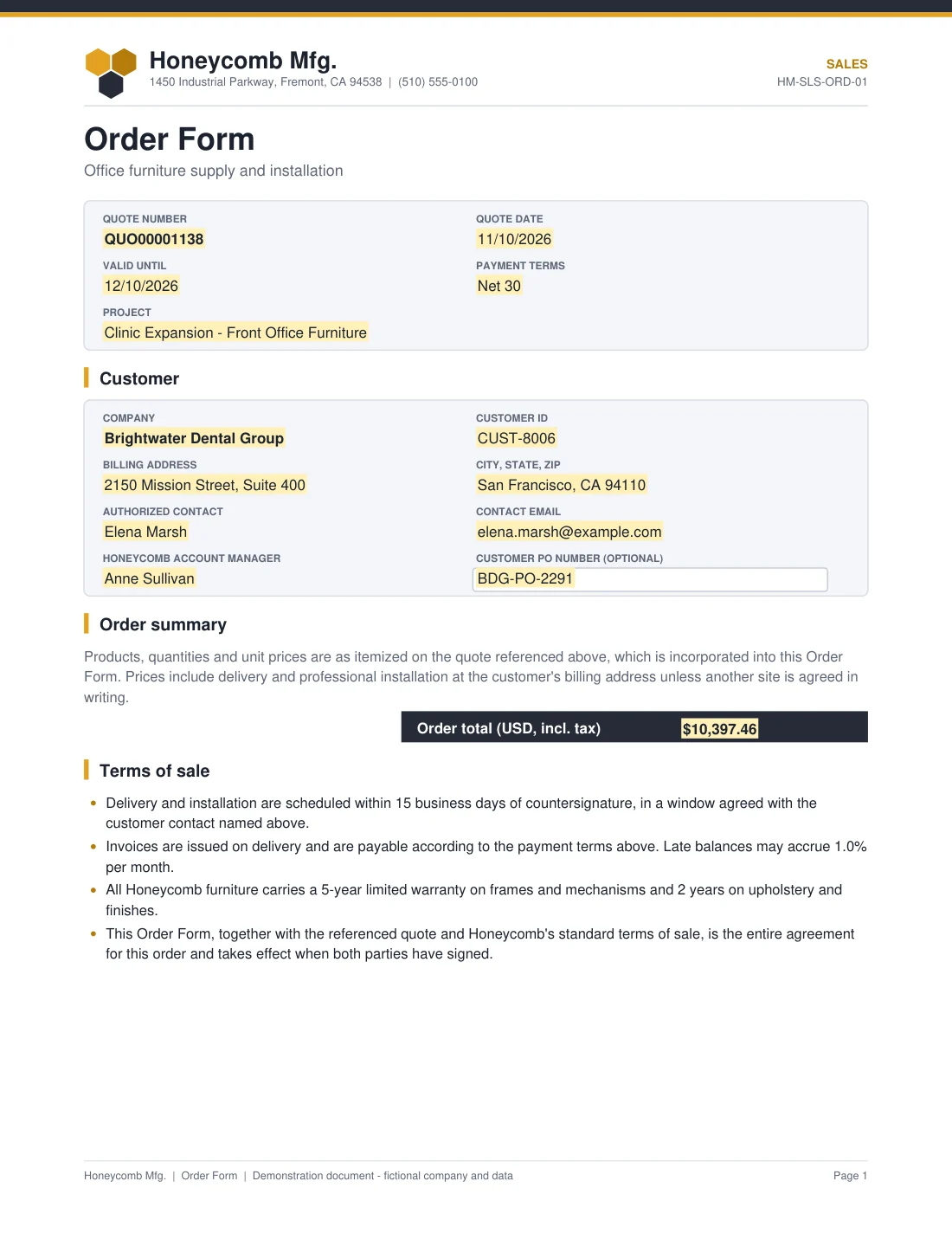
The workflow reads the quote, its customer and the customer's contact from NetSuite and fills the order form, which the customer contact signs and the person who started the workflow countersigns. It then files the signed order form on the quote in NetSuite.
Brightwater Dental has a quote from Honeycomb for ten thousand dollars of office furniture. To turn it into a signed order, someone usually copies the quote into a form, emails it, and files the signed copy by hand.
This is the setup Fluidlabs builds for its clients: a script adds a custom button to the NetSuite record, and one click starts the Docusign workflow with the quote's ID.
The order form is already on its way to Elena Marsh at Brightwater, and the user never left the quote.
Behind the button, the workflow reads the quote, the customer and the contact from NetSuite, fills the order form, sends it for signature, and files the signed copy back on the quote.
Elena gets the order form by email, ready to review and sign.
The quote number, the customer, the address and the total all come straight from NetSuite. Elena adds her purchase order number, and signs.
Signed. Now Honeycomb countersigns.
Honeycomb's side finds the order form waiting in Docusign, and countersigns.
Elena's PO number is on the form now. A title, a signature, and it's done.
Back on the quote in NetSuite, the signed order form is already filed under Communication, with no downloading or uploading by hand.
Quote to signed order, in a few minutes, without leaving NetSuite. That's the sales workflow.
| Data label on the order form | NetSuite field | Step |
|---|---|---|
Quote_Number | Quote / Quote # | 1 |
Quote_Date | Quote / Quote Date | 1 |
Quote_Expires | Quote / Due Date | 1 |
Payment_Terms | Quote / Terms Name | 1 |
Quote_Title | Quote / Quote Title | 1 |
Customer_Company | Customer / Company Name | 2 |
Customer_Number | Customer / Record ID | 2 |
Bill_To_Street | Customer / Default Billing Address 1 and 2 | 2 |
Bill_To_City | Customer / Default Billing City, State and Zip | 2 |
Contact_Name | Contact / Contact Name | 3 |
Contact_Email | Contact / Email | 3 |
Sales_Rep | Quote / Sales Rep Name | 1 |
Order_Total | Quote / Total | 1 |
Filed to: Quote drive / {Quote Record ID} / Signed Order Form - {Quote #} - {Instance ID}.pdf

The highlighted fields are the order form's data labels, shown here with sample values. The field map lists where each one comes from in NetSuite or the start inputs. Each field sits on a hidden anchor tag, so you can use your own order form: keep the 13 data labels and the workflow keeps working.
Install NetSuite for Docusign IAM from the Docusign App Center and connect it to your NetSuite account. An account admin does this once.
In Docusign, upload the order form template (.json) under Templates. It carries the document and its fields.
In Agreements, Workflows, Create Workflow, add the steps listed above in order. Use the definition file to check the settings of each step, pick your NetSuite connection, and map the fields as the field map shows.
Run it once on a test record addressed to your own inbox, and check the file.
No. It is the definition exported from the tested workflow, kept as a reference. Build the workflow step by step in Docusign Workflow Builder and use the file to check the settings of each step. The account, connection and template ids in it are placeholders.
A sales rep on the NetSuite quote with Baton Launcher, or anyone with Run Workflow and the quote's internal ID. Another system can start it through the API with Estimate_ID.
The customer contact you name as the Customer participant signs first. The person who started the workflow countersigns.
No. Honeycomb Mfg. is a fictional company and every sample value is invented. Put your own company, terms and template in place before you use the workflow.
We adapt library workflows to your stages, approvals and documents, and build private apps when a system has no app yet.
Video, 2:06Fills a credit application from the customer record, collects the customer and credit manager signatures and updates the customer.
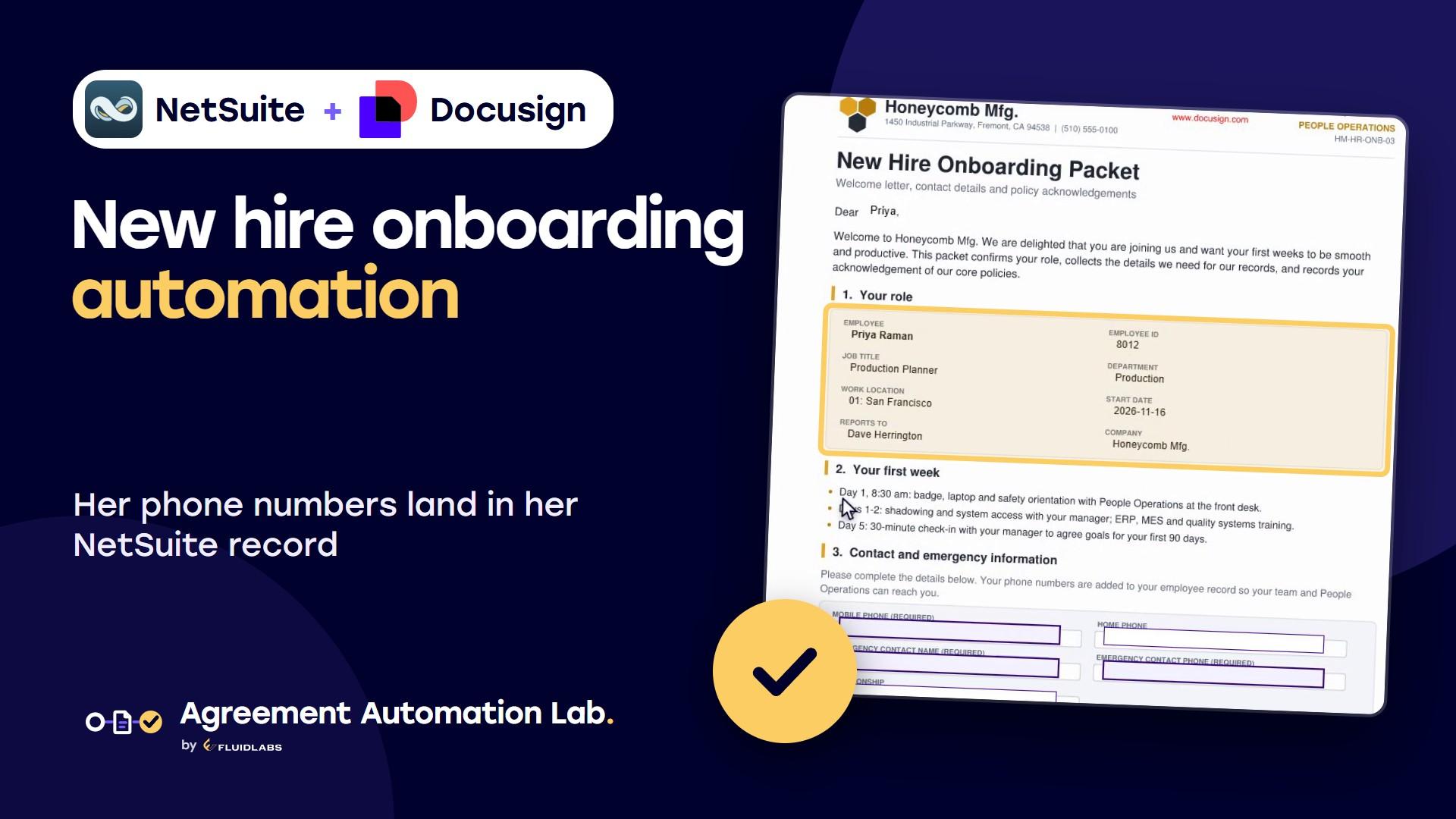
Video, 1:36Fills an onboarding packet from the employee record, collects the new hire's details and signature, and writes their phones back.
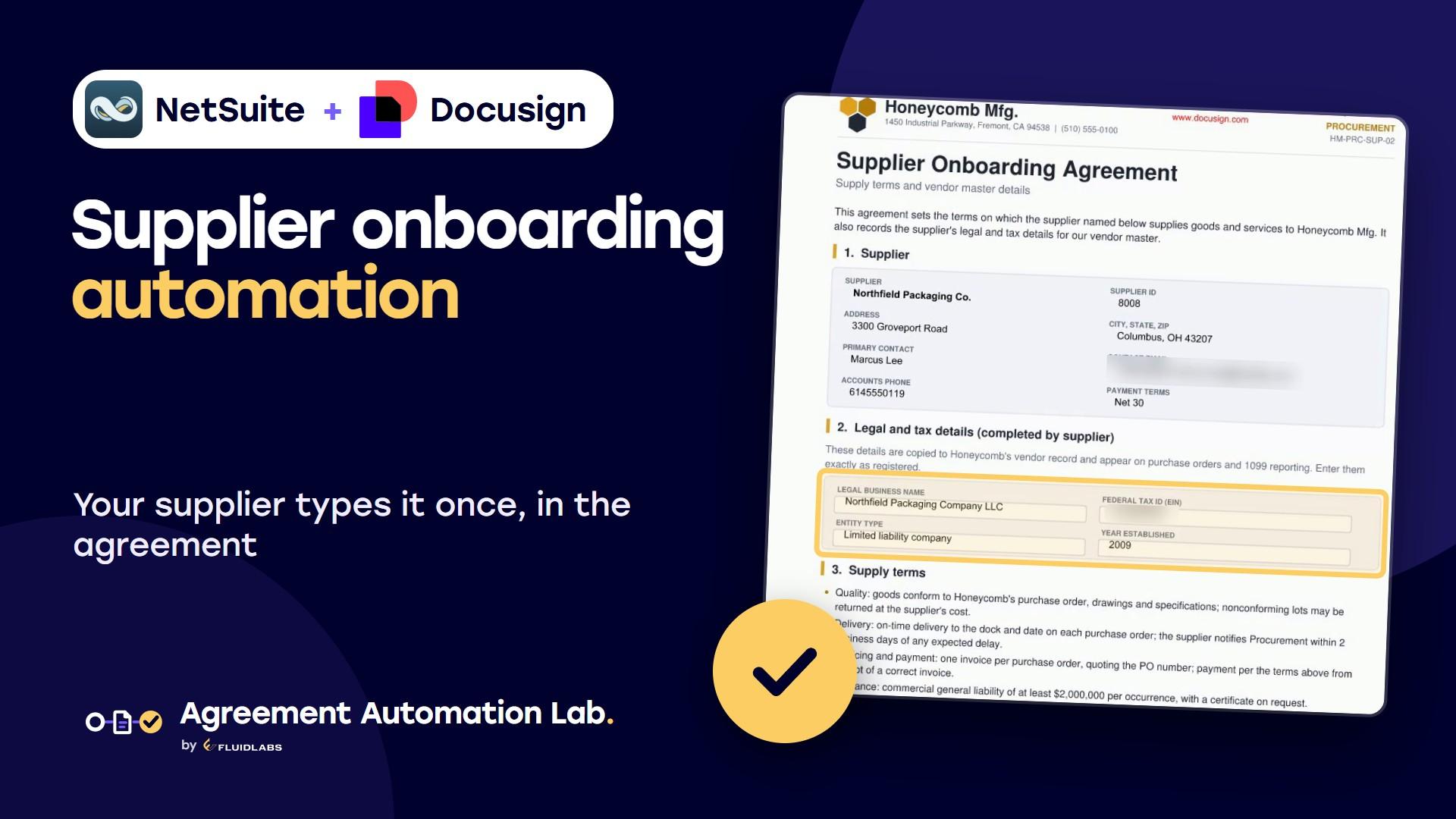
Video, 2:23Fills a supplier agreement from the vendor, collects the legal name, tax ID and both signatures, and updates the vendor.
Docusign is a trademark of Docusign, Inc. NetSuite for Docusign IAM is published by Fluidlabs. To ask us to remove a mark, email hello@fluidlabs.com.