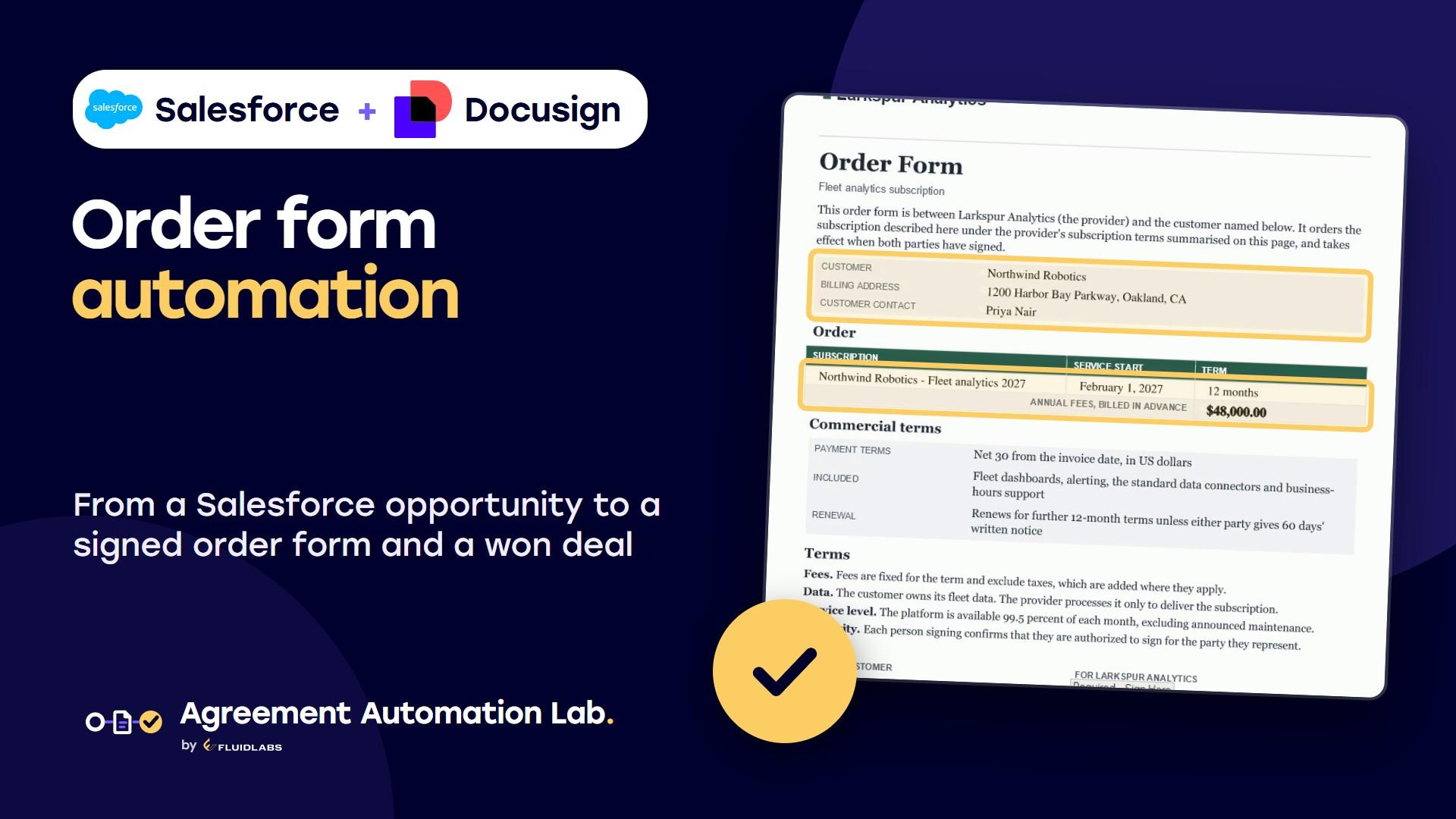
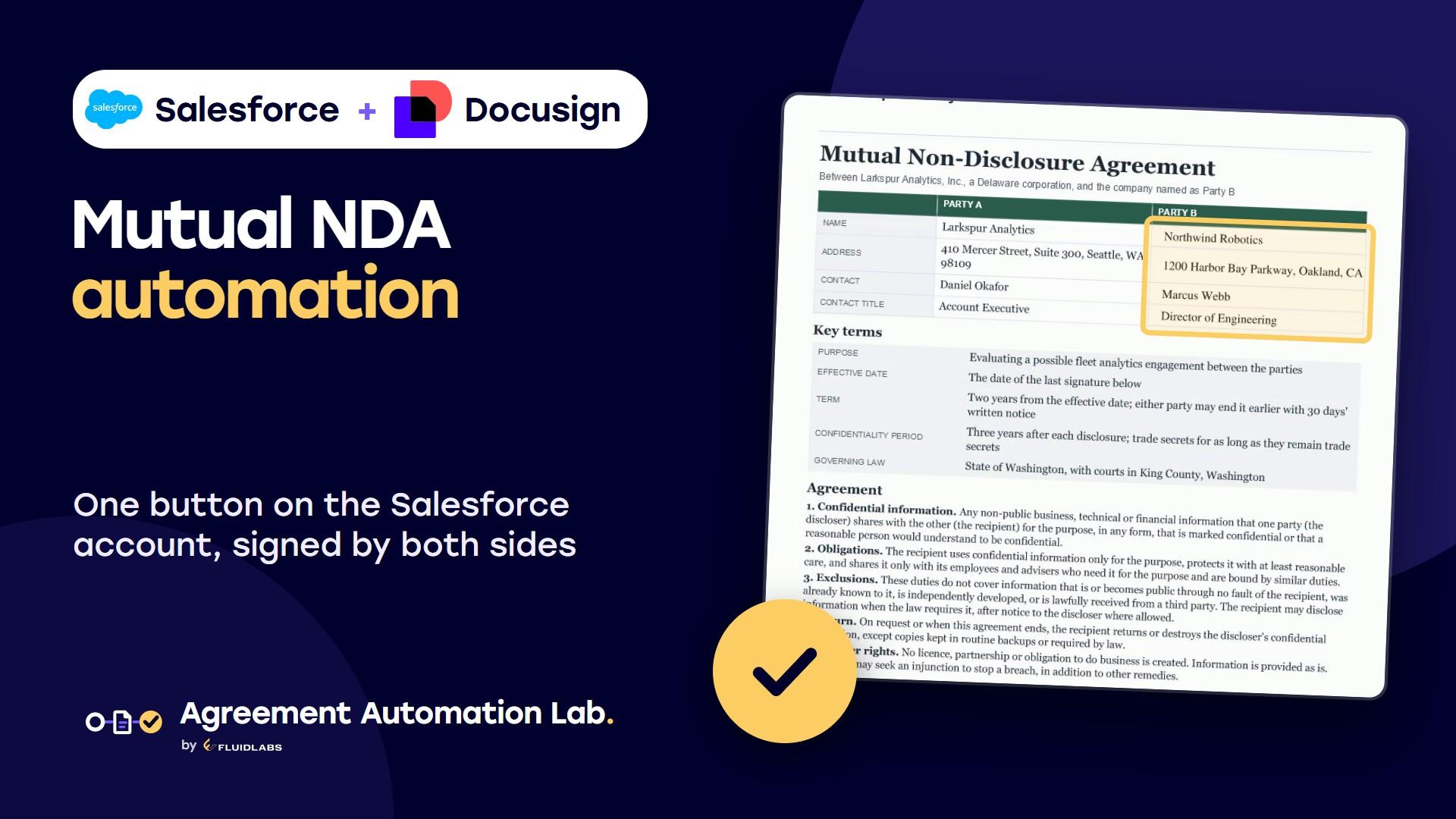
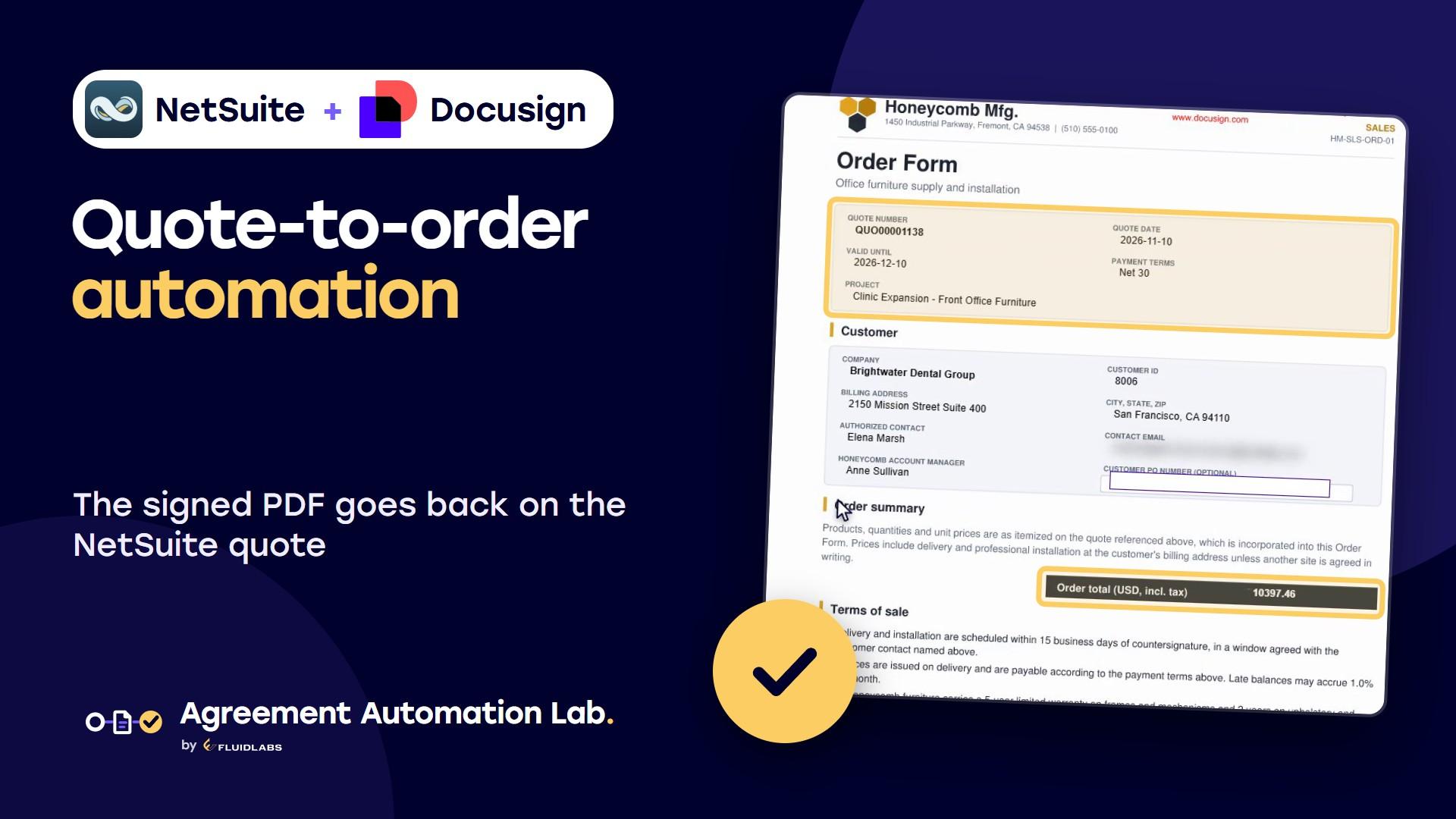
Video, 3:38Send an order form when an opportunity is ready to sign
Fills the order form from the opportunity, its account and primary contact, and closes the opportunity as won once both sides sign.
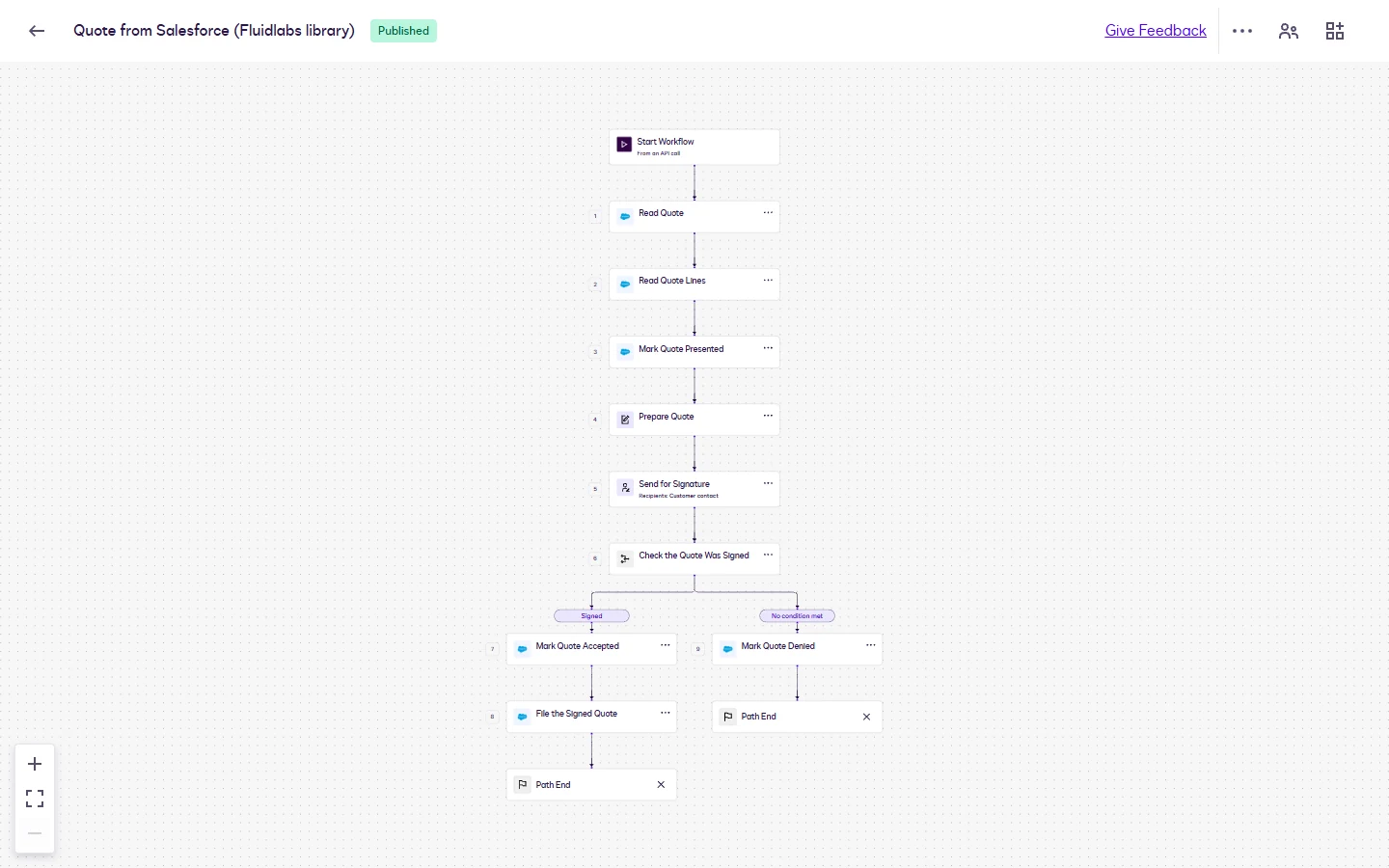
When a quote's status changes to Approved, a Salesforce flow calls the Start Docusign Workflow action, and the workflow reads the quote and up to five quote lines, marks the quote Presented and sends it to the quote's contact. Once the contact signs, it marks the quote Accepted and files the signed quote on it; if the envelope is declined, the quote is marked Denied instead.
Northwind Robotics wants the whole package: the platform, forty robot connectors, predictive maintenance, onboarding and premium support. Daniel has built the quote in Salesforce, five lines with a twelve percent discount.
The quote is in review. Once it is approved, it goes to Priya Nair for signature.
When a quote's status changes to Approved, this Salesforce flow runs. The flow is the part we set up.
It calls the action Start Docusign Workflow, which comes from Docusign itself in Docusign Apps Launcher, with the quote's record ID.
In Docusign, the workflow reads the quote and all five lines from Salesforce, marks the quote as presented, fills the quote template line by line, and sends it to Priya.
When she signs, the quote becomes Accepted and the signed copy is filed on it. If she declines, the quote is marked Denied. The Salesforce steps come from the Salesforce app that Docusign publishes in the App Center.
In a live org, an approval process moves the quote to Approved. Here Daniel sets it by hand.
That status change started the Docusign workflow. A minute later, the quote reads Presented: it is with Priya.
Priya gets the quote by email.
The quote number, the expiry date, the contact and her title come from Salesforce, and so does every line: product, quantity, price and amount, then the discount and the total.
Priya signs and finishes.
Back in Salesforce, the quote is Accepted, and the signed quote is filed on it.
Daniel never left the CRM, and nobody rebuilt the quote by hand in a document.
The status change is one way in. Because the workflow starts from an API call, there are others. Beside a second quote, for the warehouse expansion, the Docusign WorkflowLauncher, our browser extension, recognises the quote.
Daniel picks the quote workflow, and the launcher fills in the quote's record ID.
He launches it, and the quote goes to Marcus Webb for signature.
Any other system can start it the same way, through the Docusign workflow API. That is what our Baton service does for platforms with webhooks.
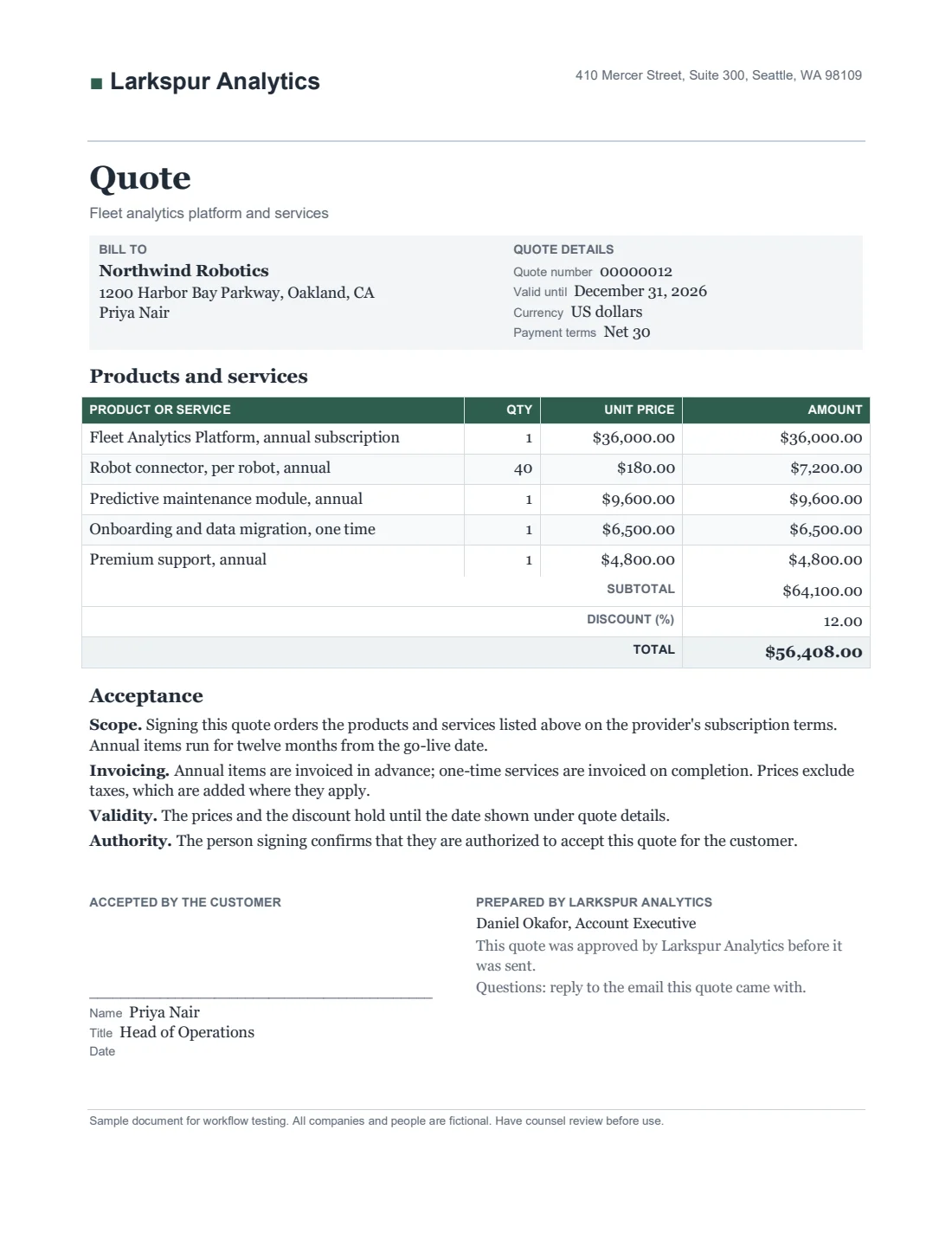
| Data label on the quote | Salesforce field | Step |
|---|---|---|
Customer_Name | Quote / Bill To Name | 1 |
Bill_To | Quote / Bill To: Street, City, State/Province Code | 1 |
Contact_Name | Quote / Contact / Full Name | 1 |
Customer_Title | Quote / Contact / Title | 1 |
Quote_Number | Quote / Quote Number | 1 |
Quote_Expires | Quote / Expiration (text), a formula field | 1 |
Line1_Product | Quote Line Item [1] / Product / Product Name | 2 |
Line1_Qty | Quote Line Item [1] / Quantity | 2 |
Line1_Price | Quote Line Item [1] / Sales Price | 2 |
Line1_Amount | Quote Line Item [1] / Total Price | 2 |
Line2_Product | Quote Line Item [2] / Product / Product Name | 2 |
Line2_Qty | Quote Line Item [2] / Quantity | 2 |
Line2_Price | Quote Line Item [2] / Sales Price | 2 |
Line2_Amount | Quote Line Item [2] / Total Price | 2 |
Line3_Product | Quote Line Item [3] / Product / Product Name | 2 |
Line3_Qty | Quote Line Item [3] / Quantity | 2 |
Line3_Price | Quote Line Item [3] / Sales Price | 2 |
Line3_Amount | Quote Line Item [3] / Total Price | 2 |
Line4_Product | Quote Line Item [4] / Product / Product Name | 2 |
Line4_Qty | Quote Line Item [4] / Quantity | 2 |
Line4_Price | Quote Line Item [4] / Sales Price | 2 |
Line4_Amount | Quote Line Item [4] / Total Price | 2 |
Line5_Product | Quote Line Item [5] / Product / Product Name | 2 |
Line5_Qty | Quote Line Item [5] / Quantity | 2 |
Line5_Price | Quote Line Item [5] / Sales Price | 2 |
Line5_Amount | Quote Line Item [5] / Total Price | 2 |
Subtotal | Quote / Subtotal | 1 |
Discount | Quote / Discount | 1 |
Grand_Total | Quote / Grand Total | 1 |
Written back: Status = Presented; Status = Accepted, or Denied when not signed
Filed to: Quote / {Record ID} / Files / Signed Quote {Quote Number}.pdf

The highlighted fields are the quote's data labels, shown here with sample values. The field map lists where each one comes from in Salesforce or the start inputs. Each field sits on a hidden anchor tag, so you can use your own quote: keep the 29 data labels and the workflow keeps working.
Install the Salesforce app and Docusign eSignature for Salesforce, which Docusign publishes, and connect them to Salesforce. An admin does this once. More on them: Salesforce and Docusign integrations.
Turn on Quotes, put your products in a price book, and add Expiration (text) to Quote, a formula that writes the expiration date out. A field added after you connect the Salesforce app appears in its steps once you choose Reload Objects on the connection in the App Center.
In Docusign, go to Agreements, Workflows, Create Workflow, then Import Workflow, and pick the .zip. When it asks, pick your Salesforce connection. Check the mapping on Prepare Quote, then publish.
In Salesforce, add a record-triggered flow on Quote that runs when Status changes to Approved, with the Start Docusign Workflow action on its asynchronous path: the workflow's ID, and Record ID set to the quote's ID. Then approve a test quote of five lines or fewer, with yourself as its contact.
Docusign publishes the Salesforce app in the Docusign App Center, which adds the Read from Salesforce, Writeback to Salesforce and Store files in Salesforce steps, Docusign Apps Launcher with its Start Docusign Workflow action, and Docusign Workflow Builder. You set up the rest: Quotes and the Expiration (text) field, your approval process, the Salesforce flow, the workflow and the quote document. The .zip brings the last two.
Read Quote Lines returns at most five quote line items and gives no warning when a quote has more, so lines after the fifth do not print. On a quote with fewer lines, the empty rows print blank, except for a quantity of 0. For longer quotes, or tables that group products, Docusign Gen for Salesforce is the Docusign product built for them.
A record-triggered Salesforce flow, when a quote's status changes to Approved, for example at the end of your approval process. It calls the Start Docusign Workflow action with the quote's ID. The workflow starts from an API call, so the Docusign WorkflowLauncher, our browser extension, Baton or Run Workflow can start it with the same Record ID.
Check the Quote Was Signed takes the other path, and Mark Quote Denied sets the quote's status to Denied. No file is added.
Install and connect the Salesforce app from Docusign first, with a connection to your Salesforce org, then import the .zip again. Docusign does not name the missing app in that message.
We adapt library workflows to your stages, approvals and documents, and build private apps when a system has no app yet.
Video, 3:38Fills the order form from the opportunity, its account and primary contact, and closes the opportunity as won once both sides sign.
Video, 2:59Sends a mutual NDA to the contact the rep picks on the account, then records it as signed and files the signed copy on the account.
Video, 1:55Fills an order form from the quote, its customer and contact, collects both signatures and files the signed copy on the quote.
Docusign is a trademark of Docusign, Inc. The Salesforce app and Docusign eSignature for Salesforce are published by Docusign. To ask us to remove a mark, email hello@fluidlabs.com.