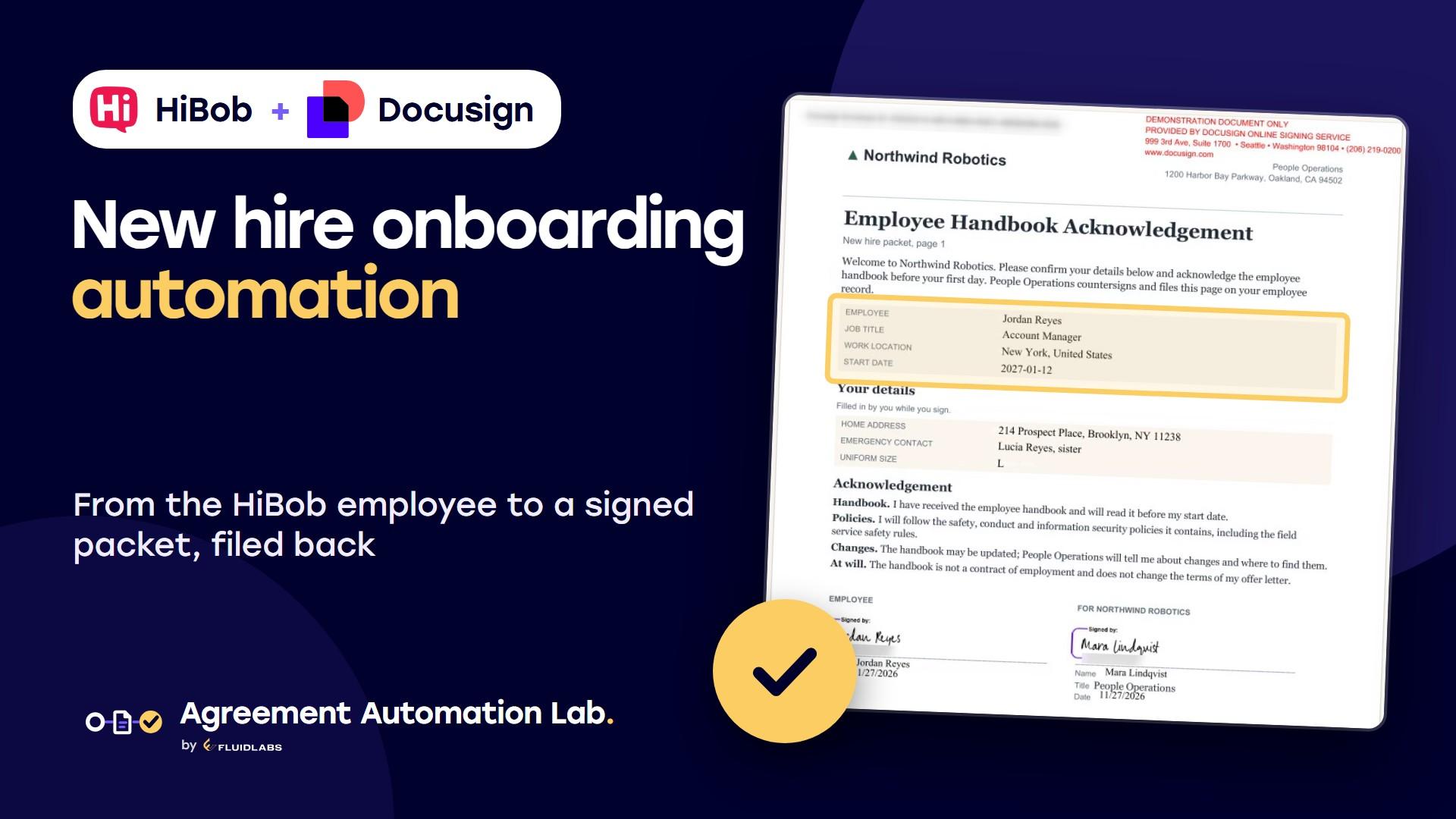
 Video, 2:47
HR and recruiting

Onboard a new hire with the right forms for their location
Reads the hire, picks the packet by work site, gets it signed by the hire and HR, and files it on their profile.
Starts: API or by handTested 27 Nov 2026
When a manager submits a relocation request in ServiceNow, a flow action sends the request's details to the Workflow Builder API, and the workflow fills the relocation agreement and sends it to the employee, then to HR. Once both have signed, a web request calls ServiceNow back, and ServiceNow checks the envelope with Docusign, marks the agreement signed and attaches the signed PDF to the request.
Northwind Robotics is moving Maya Chen from Chicago to Austin. Relocation requests live in ServiceNow, so that is where this one starts.
Her manager, Marcus, picks Maya, then fills in her position, both offices and her start date in Austin.
The relocation package is eighteen thousand five hundred dollars, and Mara Lindqvist is the HR business partner.
He orders it and checks out.
That is all Marcus does. A ServiceNow flow takes the request from here and starts the Docusign workflow.
In ServiceNow, this flow runs when a relocation request is submitted.
Its one step, Start Docusign workflow, is the part we built. It sends the request's details to Docusign. On a licensed ServiceNow instance, the ServiceNow app from Docusign offers the same start.
On the request, the agreement status is now Sent for signature, and the work notes record the Docusign workflow that started.
In Docusign, the workflow starts from an API call with the request's details, fills the relocation agreement, and sends it to Maya, then to HR.
Its last step calls ServiceNow back with the result.
Maya gets her relocation agreement by email.
It is one page, already filled in from the ServiceNow request: her position, both offices, her start date, and the package.
Maya signs, and finishes.
Then Mara, in HR, gets it to countersign.
Maya's signature is already on it. Mara signs, and finishes.
Back in ServiceNow, the request shows the agreement as signed, with the Docusign envelope ID.
The signed copy is attached to the request. Before ServiceNow files anything, it checks the envelope with Docusign itself.
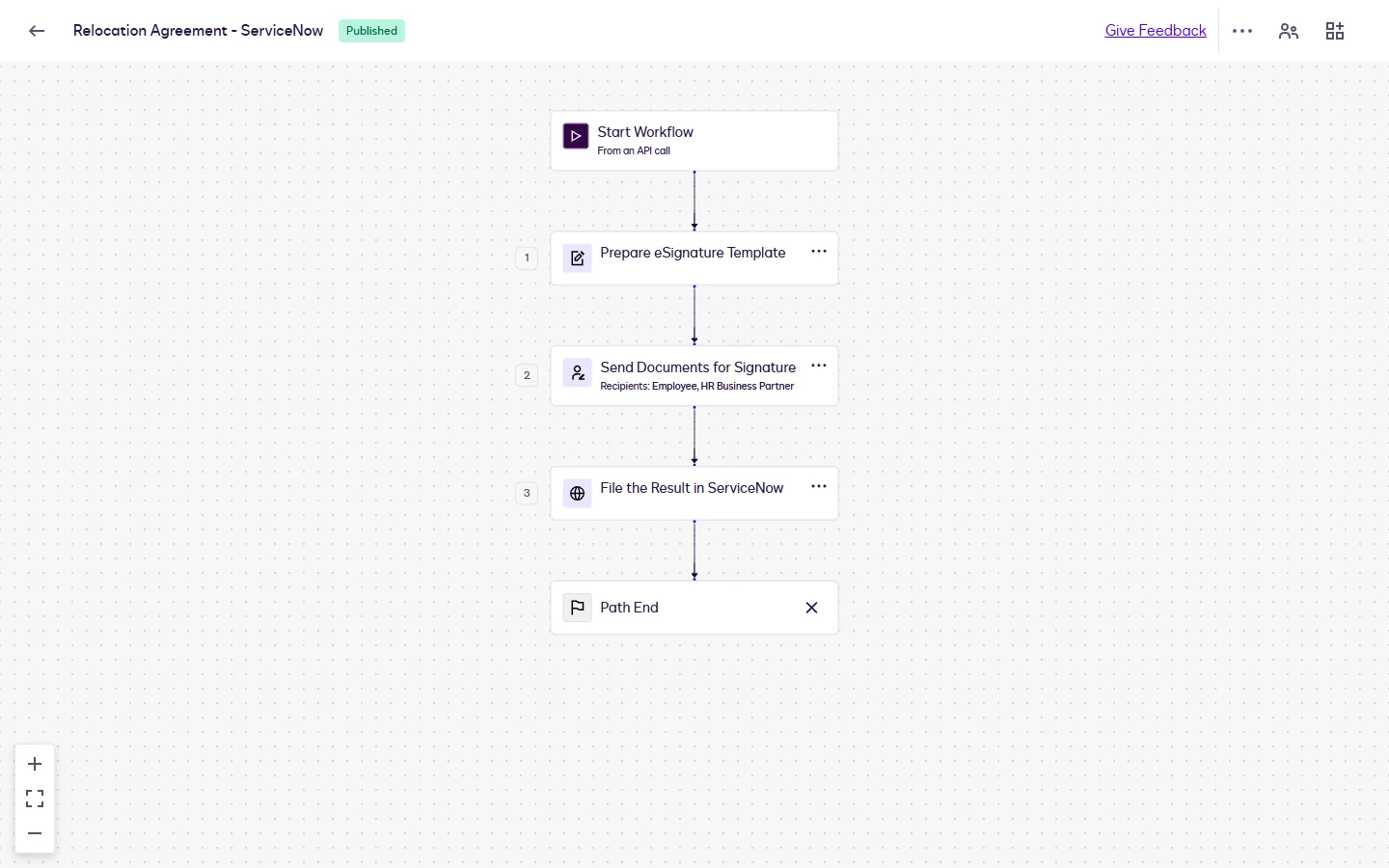
There are three ways to start this workflow. The first is the one you just saw: a request submitted in ServiceNow.
The second is the Docusign WorkflowLauncher, a browser extension from Fluidlabs. Open it next to a ServiceNow request, search for the relocation workflow, and pick it.
Each input takes a value from the page: the request number and ID, both offices, the start date and the package.
You fill in the rest and launch it, without leaving ServiceNow.
The third way, a webhook through Baton, will start this workflow straight from ServiceNow's events. A Baton source for ServiceNow is coming.
| Data label on the relocation agreement | ServiceNow field | Step |
|---|---|---|
Employee_Name | Start input employeeName | Start |
Job_Title | Start input jobTitle | Start |
From_Location | Start input fromLocation | Start |
To_Location | Start input toLocation | Start |
Start_Date | Start input moveDate, the date written out by ServiceNow | Start |
Case_Number | Start input requestNumber | Start |
Package_Amount | Start input packageAmount, formatted as US dollars by ServiceNow | Start |
Written back: Agreement status = Sent for signature when the workflow starts, Signed once both have signed; Docusign envelope ID = The signed envelope
Filed to: Requested item / {requestSysId} / Attachments / Signed Relocation Agreement {requestNumber}.pdf
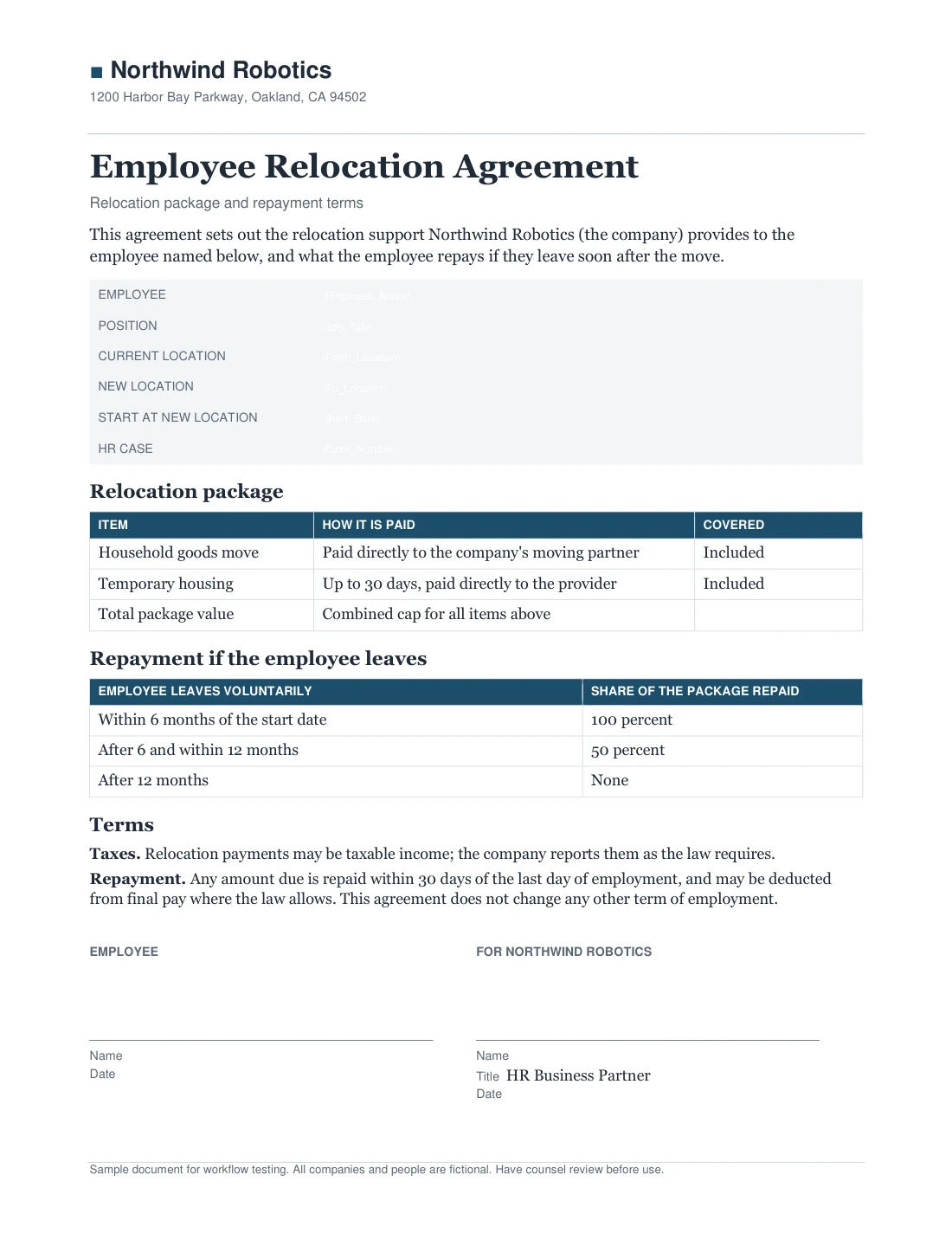
The highlighted fields are the relocation agreement's data labels, shown here with sample values. The field map lists where each one comes from in ServiceNow or the start inputs. Each field sits on a hidden anchor tag, so you can use your own relocation agreement: keep the seven data labels and the workflow keeps working.
In ServiceNow, add an OAuth provider entry in System OAuth, Application Registry, for a Docusign integration key, and a REST message named for the Workflow Builder trigger API that uses it. Get a token for the REST message once, as an admin.
Add a Flow Designer action that posts the requested item's variables to the trigger API through that REST message, and call it from the catalog item's flow. Name the catalog variables as the workflow's inputs; dates are sent written out and amounts as US dollars.
Add a scripted REST API that only a dedicated integration user may call. It records the request's ID and the envelope ID, and a script that runs as the system reads the envelope from Docusign, sets Agreement status to Signed, stores the envelope ID and attaches the signed PDF.
In Docusign, go to Agreements, Workflows, Create Workflow, then Import Workflow, and pick the .zip. After Send Documents for Signature, add a Make a Web Request step with a Basic connection for the integration user, posting requestSysId, the envelope ID and the document name to your endpoint. Publish, then submit a test request with yourself as the employee.
On a licensed ServiceNow instance, you can take the packaged route instead: the ServiceNow app and the Docusign IAM app in ServiceNow. Docusign publishes both. More on them: ServiceNow and Docusign integrations.
Docusign Workflow Builder, its trigger API and the Make a Web Request step are Docusign products. You set up the ServiceNow side with core ServiceNow features: the OAuth entry, the REST message and flow action that start the workflow, and the scripted REST endpoint that files the result. Nothing from Docusign is installed in ServiceNow. The .zip brings the workflow and the relocation agreement template; the ServiceNow pieces are described under Set it up and are not in the download.
A ServiceNow flow, when a relocation request is submitted from the catalog. Its action posts the request's variables to the Workflow Builder trigger API, and the agreement goes out within a minute. The workflow starts from an API call, so the Docusign WorkflowLauncher, our browser extension, or Run Workflow can start it with the same inputs.
The last step, the Make a Web Request step you add after the import, posts the request's ID and the envelope ID to your scripted REST endpoint. ServiceNow then reads the envelope from Docusign, checks it is completed and signed by the people the request names, sets Agreement status to Signed, stores the envelope ID and attaches the signed PDF.
The .zip has no step from a connected app, so the import should not ask for one. The step that calls ServiceNow back is the one you add after the import, with a Basic connection for your integration user. If the message appears, check that your account has Workflow Builder and import the .zip again.
We adapt library workflows to your stages, approvals and documents, and build private apps when a system has no app yet.
Video, 2:47Reads the hire, picks the packet by work site, gets it signed by the hire and HR, and files it on their profile.
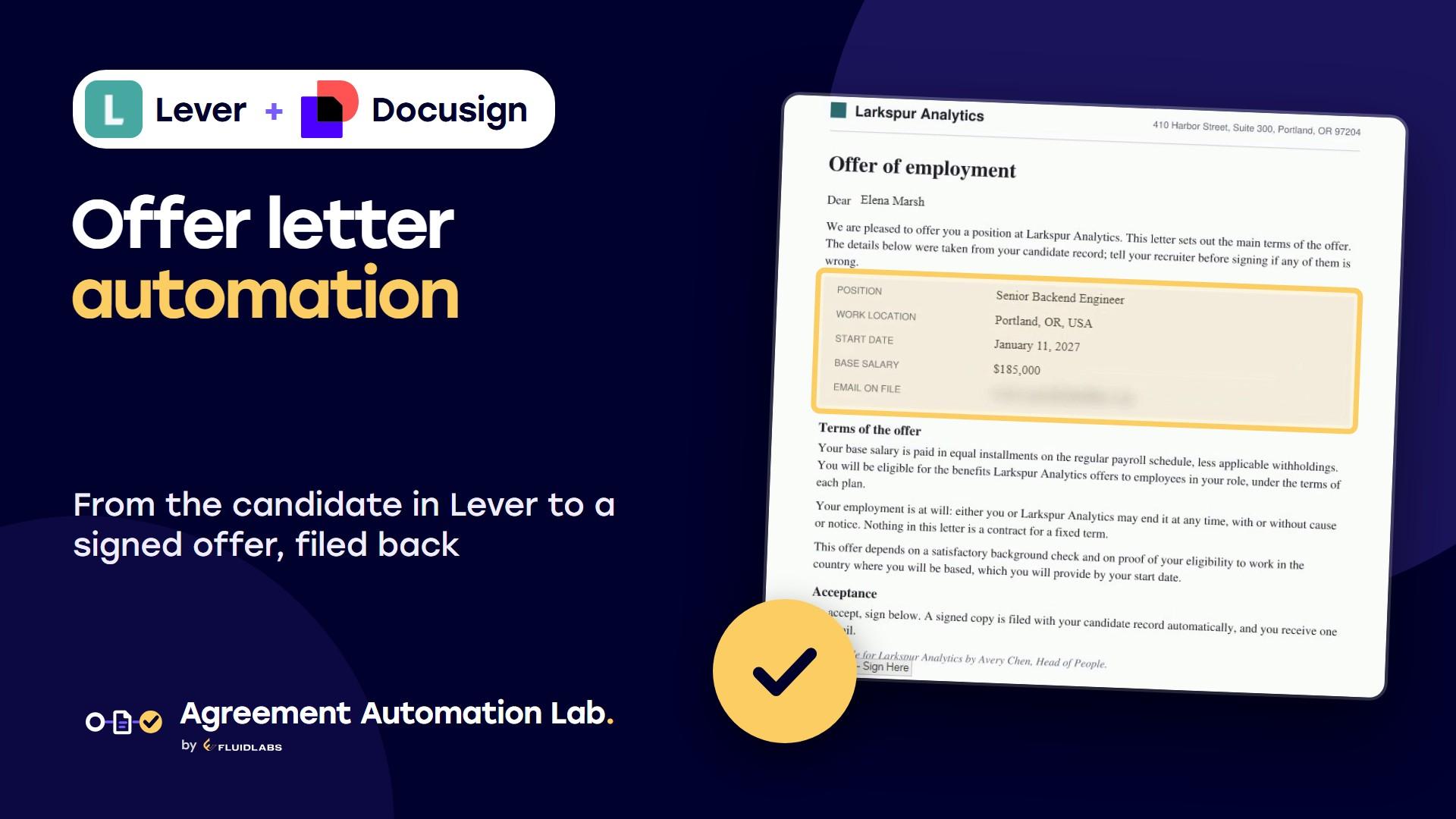 Video, 3:04
Reads the candidate, fills the letter, and moves them to Offer once they sign.
 Video, 1:36
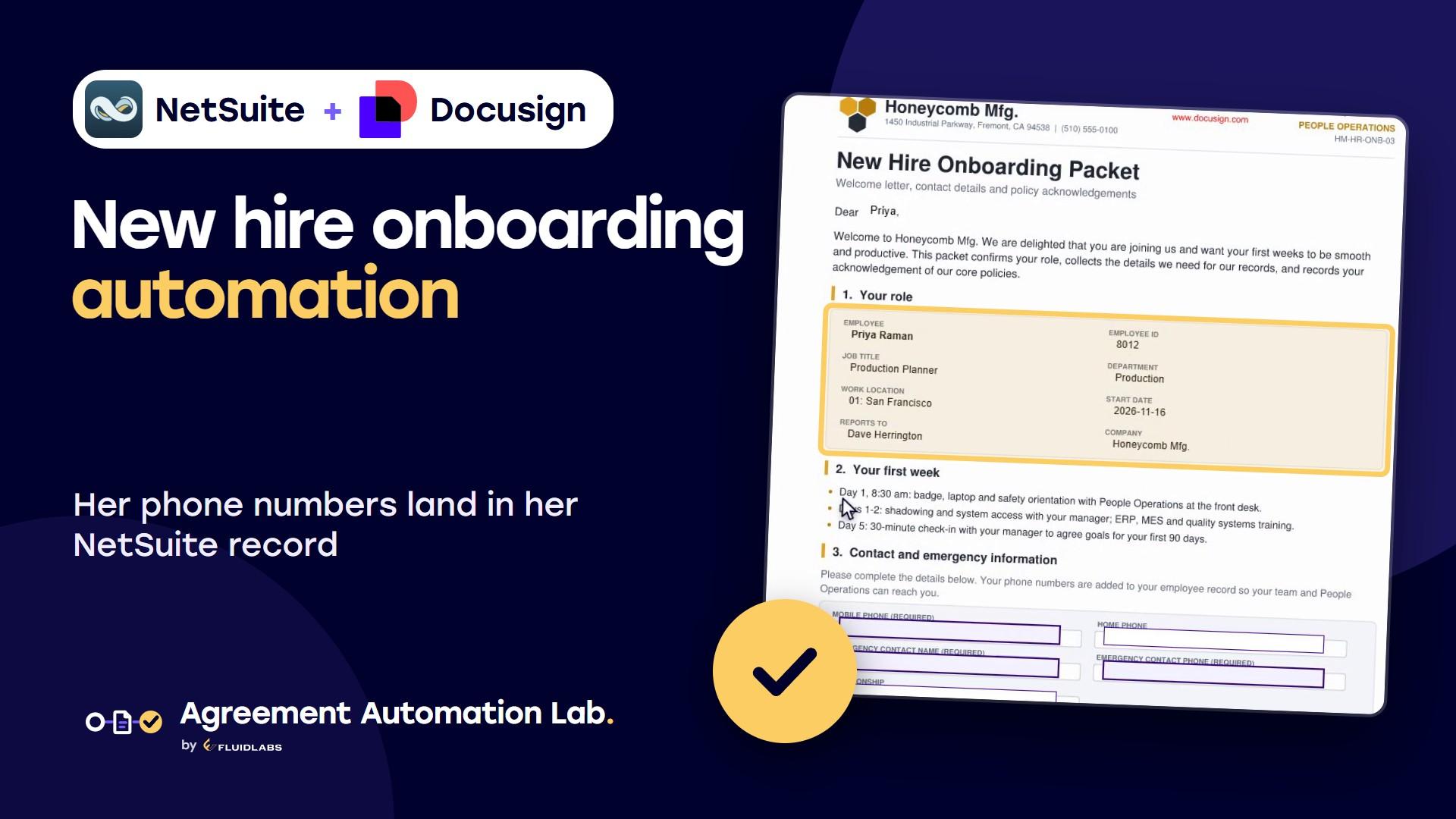
Fills an onboarding packet from the employee record, collects the new hire's details and signature, and writes their phones back.
Docusign is a trademark of Docusign, Inc. The ServiceNow app and the Docusign IAM app in ServiceNow are published by Docusign. To ask us to remove a mark, email hello@fluidlabs.com.